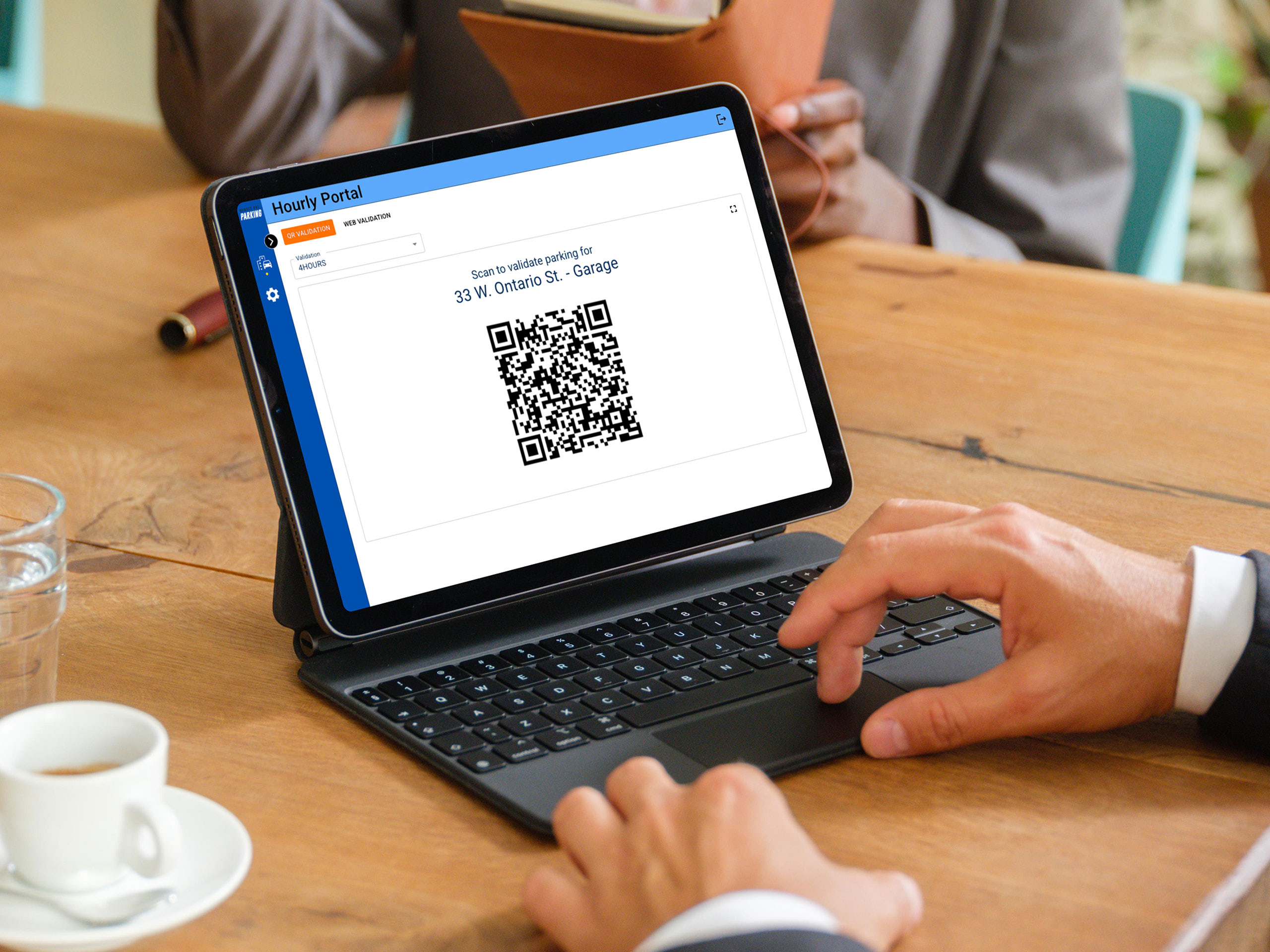
Comprehensive Validation Functionality

Parker Experience

When parking sessions are validated, parkers receive a confirmation text message that a validation has been applied and the updated rate is displayed on the parker interface.

Validation Configuration

The scan to pay validation feature includes extensive configuration options including validation expiration dates and usage limits.

Detailed Validation Reporting

Detailed reports provide the necessary information to analyze validation usage, evaluate trends by validation user and create bill back invoices.

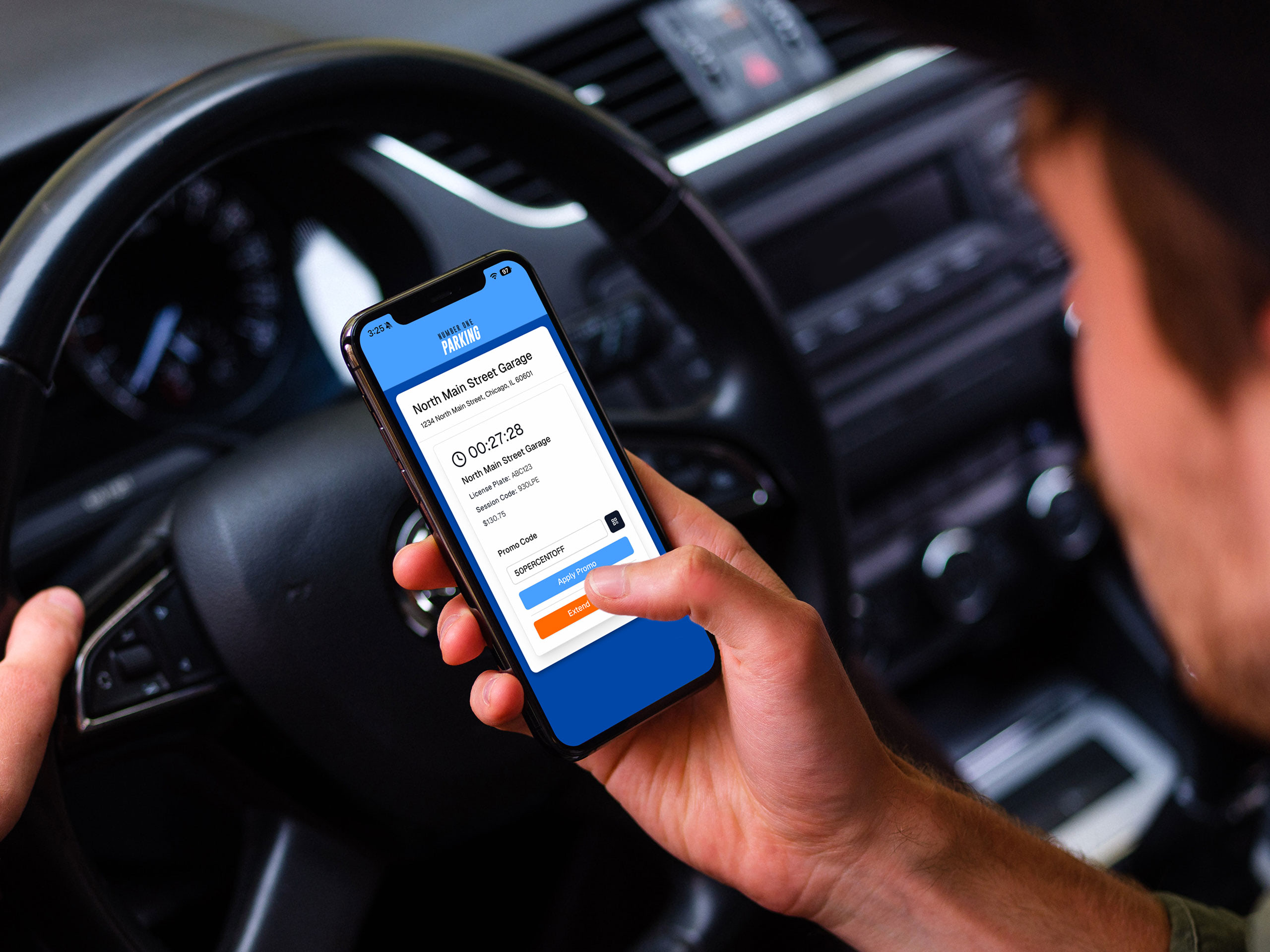
Provide digital validations while reducing administration costs & improving transparency

Enter a Promo Code

Promo Code Validation

A parker can enter a promo code in the parker interface to apply a validation to a parking session. This is a simple way to provide parkers with widely-used, public validations that need to be distributed quickly and efficiently.

Scan a QR code

Validation QR Code

Parkers can validate their parking session by scanning a Validation QR code that is located in ParkChirp’s Portal feature or printed. This is a convenient way to provide parkers with a validation by using the parker’s phone camera.

Admin Validates Online

Web Validation

One or more tenant employees can validate a parking session by entering the parker’s phone number or session ID. Web Validation is available in ParkChirp’s secure Portal feature. Web validation is critical when the validation’s use is restricted to only select parkers.